.svg)
Managing childcare staff reimbursements can feel overwhelming, especially when educators are already stretching their personal budgets to create engaging learning environments. Many childcare providers spend their own money on supplies, from art materials to educational toys, hoping their program will reimburse these essential expenses.
A well-structured reimbursement system protects both your staff and your childcare program's finances. When teachers know exactly what expenses qualify for reimbursement and how to submit their requests, they're more likely to invest in quality materials that benefit the children in their care. Clear policies also help administrators budget effectively and maintain financial transparency.
This article walks you through creating a reimbursement system that works for everyone. You'll learn how to establish clear policies, streamline the approval process, and use tools that make expense tracking simple for your entire team.
Understanding reimbursement policies
Before diving into processes, you need a solid foundation: a clear reimbursement policy that outlines exactly how your childcare program handles supply expenses.
Types of reimbursement approaches
- Fixed allowance systems provide each teacher with a set amount per month or quarter. This approach simplifies budgeting since you know exactly what you'll spend, but it might not cover all necessary supplies during busy months or special projects.
- Itemized reimbursement requires staff to submit receipts for approval before receiving payment. While this method offers more control over spending, it requires more administrative time to review and process each request.
- Hybrid systems combine both approaches, offering a small monthly allowance for basic supplies plus itemized reimbursement for larger purchases or special materials.
Essential policy components
Your reimbursement policy should clearly define:
- Eligible expenses: Specify which supplies qualify (art materials, books, educational games) and which don't (personal items, gifts for children)
- Spending limits: Set maximum amounts per purchase or per month to prevent budget overruns
- Required documentation: List what staff need to submit (original receipts, purchase justification, photos of items)
- Approval process: Explain who reviews requests and how long approval takes
- Submission deadlines: Establish when requests must be submitted to ensure timely processing
Having these details in writing prevents confusion and ensures fair treatment for all staff members. Share this policy during new employee orientation and review it annually to keep everyone informed.

Income and Expense Worksheet
Use this worksheet to track your finances, make smarter spending decisions, and create a monthly budget.
Creating an effective reimbursement process
A smooth reimbursement process starts with careful planning and clear communication. Here's how to build a system that works efficiently for your childcare program.
Setting your supply budget
Start by analyzing your current spending patterns. Review past expense reports to understand what teachers typically purchase and how much they spend. Factor in enrollment changes, new program requirements, and seasonal variations that might affect supply needs.
Allocate funds based on:
- Classroom size and age groups served
- Special programs or curricula requirements
- Seasonal activities and holidays
- Emergency supply needs
Establishing expense tracking systems
Choose a tracking method that matches your team's comfort level with technology. Simple spreadsheet templates work well for smaller programs, while expense tracking apps offer more features for multi-location childcare programs.
Key tracking elements include:
- Date of purchase
- Vendor information
- Item description and quantity
- Amount spent
- Receipt or invoice number
- Approval status
Creating submission guidelines
Make the submission process as simple as possible to encourage compliance. Provide clear instructions on:
- How to photograph receipts for digital submission
- Where to submit requests (email, shared folder, childcare management app)
- What information to include with each request
- How to handle lost receipts or digital purchases
Implementing review and approval workflows
Designate specific staff members to review reimbursement requests and establish clear approval criteria. Set realistic timelines for review (typically 5-7 business days) and communicate these expectations to your team.
Consider implementing approval levels based on purchase amounts:
- Purchases under $25: Automatic approval with valid receipt
- Purchases $25-100: Supervisor approval required
- Purchases over $100: Director approval needed
Processing payments efficiently
Set a regular payment schedule, such as twice monthly, to ensure staff receive reimbursements promptly. Late payments can strain relationships and discourage teachers from purchasing necessary supplies.
Options for payment processing include:
- Direct deposit (fastest and most convenient)
- Physical checks
- Addition to regular payroll
- Prepaid expense cards for approved purchases
Best practices for managing childcare staff reimbursements
Success depends on clear expectations and consistent communication between administrators and teaching staff.
Guidelines for educators
- Keep detailed records of all supply purchases, including digital receipts for online orders. Take photos of receipts immediately after purchase to prevent loss or fading.
- Submit requests promptly to avoid delays in processing. Don't wait until the end of the month to submit multiple receipts at once, as this creates processing backlogs.
- Communicate openly about supply needs and budget concerns. If you're approaching your monthly limit but need essential materials, discuss options with your supervisor rather than making unauthorized purchases.
- Plan purchases strategically by coordinating with other teachers to bulk buy common supplies and take advantage of sales or discount programs.
Guidelines for administrators
- Provide adequate funding that reflects the reality of quality early childhood education. Underfunding supply budgets puts unfair pressure on teachers and can impact program quality.
- Ensure process transparency by sharing approval criteria and processing timelines with all staff. Consider posting monthly budget updates so teachers can track spending against available funds.
- Offer training and support on your reimbursement system, especially for new employees. Create simple reference guides or video tutorials that explain each step of the process.
- Review and adjust regularly based on feedback from teaching staff and changing program needs. What works for a small in-home program might not scale effectively as you grow.
Tools and resources for reimbursement management
Modern technology offers several solutions to streamline expense management for childcare programs of all sizes.
Expense tracking applications
- Expensify simplifies receipt capture and expense categorization with smartphone cameras and automatic data extraction. The app integrates with common accounting software to reduce data entry.
- Shoeboxed provides receipt digitization services and expense categorization, which can save time for busy administrators managing multiple locations.
Budget management software
- QuickBooks Online offers expense tracking features alongside comprehensive accounting capabilities, making it suitable for larger childcare programs with complex financial needs.
- FreshBooks provides simpler expense tracking with strong mobile capabilities, ideal for smaller programs or individual providers.
Integrated childcare management solutions
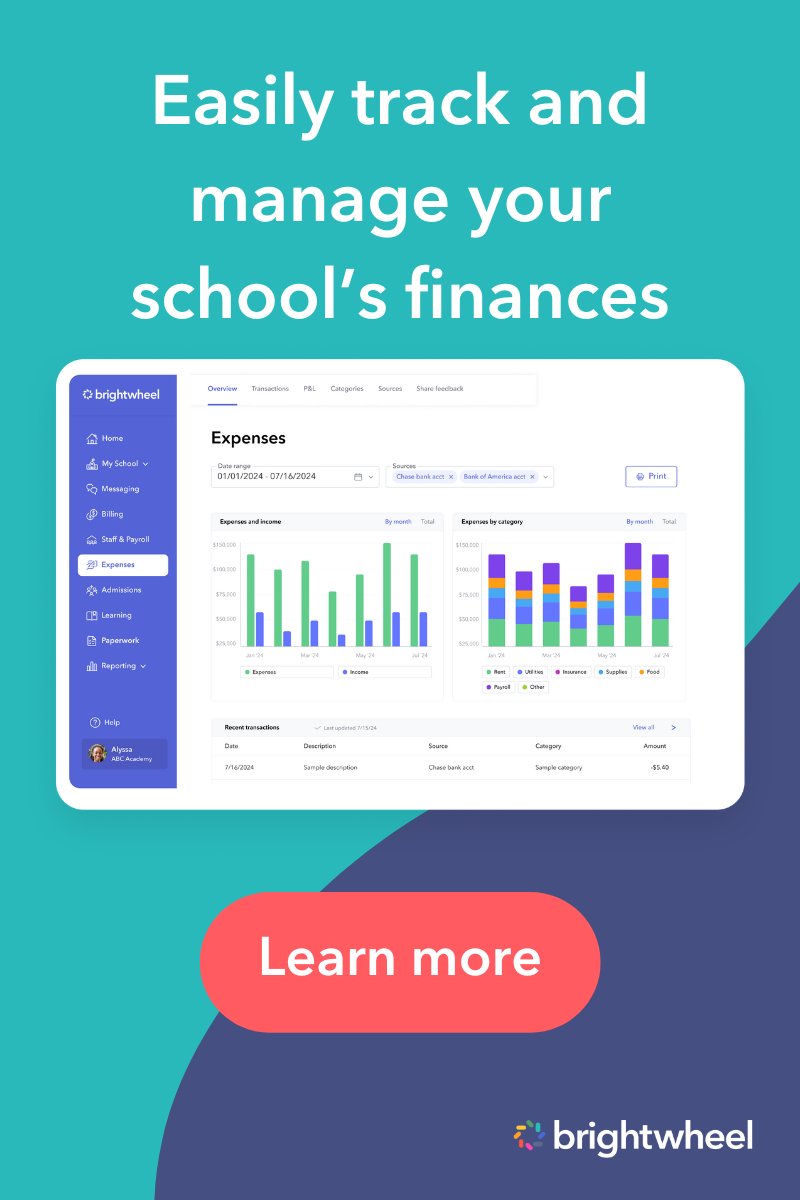
All-in-one childcare software like brightwheel provide comprehensive management tools that include expense tracking alongside communication, billing, and administrative features. These integrated solutions reduce the need for multiple systems and can streamline operations across all aspects of your childcare program.
When evaluating tools, consider:
- Ease of use for both administrators and teaching staff
- Integration capabilities with your existing systems
- Mobile accessibility for on-the-go expense submission
- Reporting features for budget analysis
- Security measures for financial data protection
Building a sustainable reimbursement system
Effective childcare staff reimbursements need ongoing attention and adjustment. Start with a simple system and scale as needed. Clear communication and consistent policy application build trust and support teacher retention. Regularly monitor feedback and spending to maintain a system that truly serves your program's mission.