.svg)
Introducing new technology at your childcare program can be exciting, but also intimidating. Teachers already juggle lesson planning, classroom management, and communication with families, so the idea of learning a new tool can feel overwhelming and can understandably be met with hesitation or even resistance.
That’s why a thoughtful approach to onboarding is key. The brightwheel app is an all-in-one solution created to simplify daily operations and lighten teachers' workloads. By streamlining administrative tasks, your staff can save valuable time and dedicate more energy to what truly matters: educating and caring for children.
This article will walk you through five key steps to successfully introduce the brightwheel app to your staff. With the right strategy, you can help your staff feel confident and even energized about making the switch.
Step 1: Set the stage with clear communication
The first step to a successful rollout is open and honest communication. Before you even download the brightwheel app, it's crucial to explain the "why" behind the change. Your staff will be more receptive if they understand the vision and benefits for the entire program.
Start by clearly outlining the reasons for implementing the app. Are you aiming to improve efficiency, reduce paperwork, or strengthen engagement with families? Frame the adoption of brightwheel as a strategic move to help everyone work smarter, not harder.
Next, highlight the specific benefits for your teachers. Explain how the app will make their daily routines easier. For example:
- Time saved on administrative tasks: No more paper attendance sheets or manual daily reports.
- Simplified documentation: Quickly log meals, naps, and learning milestones with just a few taps.
- Easier communication: Send quick updates and photos to families directly through the app, fostering a stronger home-to-school connection.
It’s also important to address common concerns head-on. Acknowledge that learning a new tool can be challenging and that tech fatigue is real. Reassure your team that you will provide plenty of support and that the goal is to make their jobs easier in the long run.
Step 2: Provide hands-on training opportunities
Once your team knows the “why,” it’s time to show them the “how.” Confidence with new technology comes from hands-on experience. A dedicated training session is essential to ensure your staff feels comfortable and prepared to use the brightwheel app.
- Host a dedicated training session. Whether in person or virtually, walk teachers through the app’s core functions. Brightwheel offers a variety of training videos and resources that can be used to structure your session.
- Encourage practice with real examples. Set up sample scenarios like checking in students, recording a nap or meal, or sending a quick update to families.
- Appoint “brightwheel champions.” Identify tech-savvy staff who can act as go-to resources for their peers, offering encouragement and answering questions along the way. This peer support system can make the learning process feel less intimidating and more collaborative.

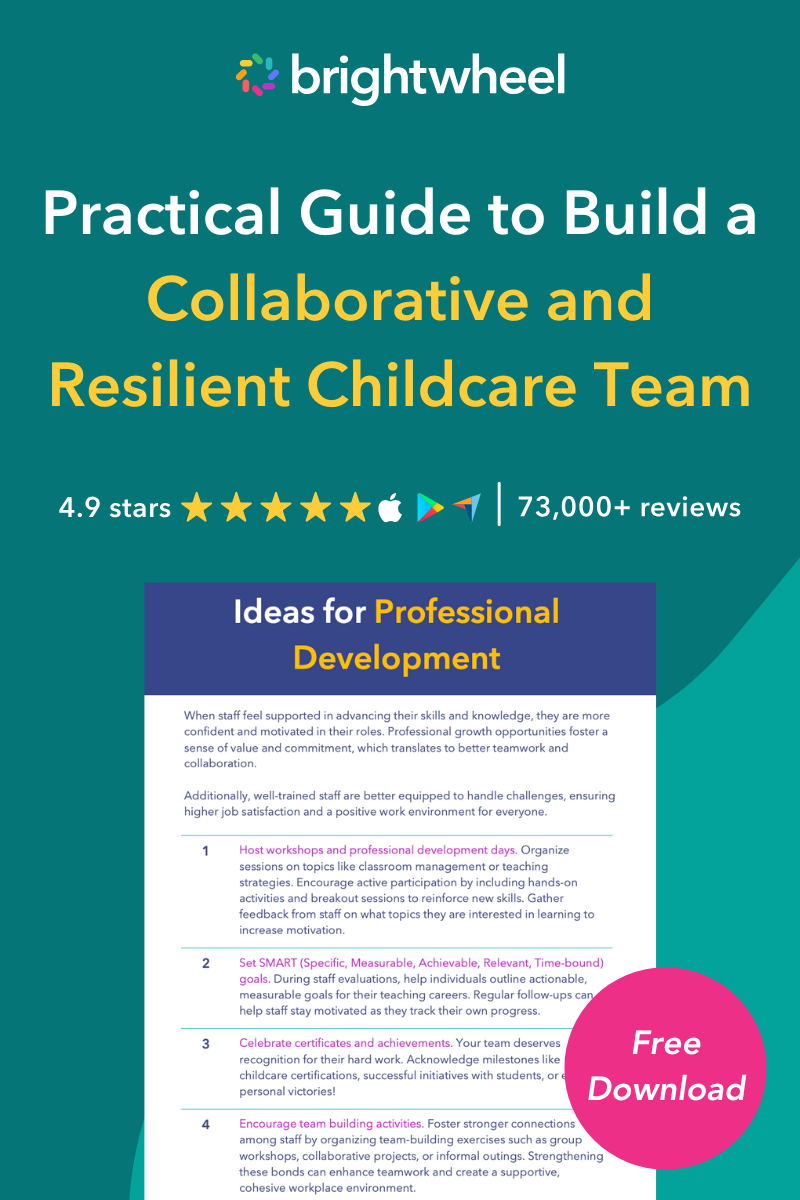
Guide to Build a Collaborative and Resilient Childcare Team
A free guide with strategies to build and retain a collaborative childcare team.
Step 3: Roll out gradually instead of all at once
Trying to implement every feature of the brightwheel app at once can be overwhelming for your staff. A phased rollout allows your team to master one function at a time, building confidence and momentum.
Consider this gradual approach:
- Phase 1: Start with one or two core features. Begin with the tools that will have the most immediate impact on daily routines, like attendance tracking or daily reports. Focus on getting everyone comfortable with these basics.
- Phase 2: Introduce additional features. Once your staff has mastered the initial features, you can introduce more advanced capabilities like lesson planning, learning observations, or staff messaging.
- Phase 3: Expand to parent-facing features. When your team is confident, roll out features like family messaging and billing.
As you move through each phase, share success stories and positive feedback. Did a teacher save 15 minutes on their end-of-day reporting? Did a family send a message saying how much they loved receiving a photo update? Celebrating these small wins will build excitement and show the tangible benefits of using the brightwheel app.
 Teachers can now put more focus into their lesson plans because they've saved time and headspace with brightwheel's easy app." Crystal H., Area Director at DaVinci Academy in Belvidere, IL
Having everything on one platform makes it easy for us to train teachers. We use brightwheel to set expectations on the quality we expect." Alicia D., Director at Riverbend Christian School in Austin, TX
Parent communication has drastically improved thanks to brightwheel. We've seen better communication both from teachers to parents and parents to teachers, which has been nice to see." Cally B., Assistant Director of MBCC Journey in Birmingham, AL
Scaling success with brightwheel's mobile app
Once your team has the basics down, brightwheel’s rich set of features truly shines—especially for centers with large staff, high student enrollment, or multiple locations.
- All-in-one efficiency. From attendance tracking and daily reports to parent messaging, billing, and lesson planning, brightwheel brings everything into a single mobile app. Staff don’t have to juggle multiple systems or log into different platforms, which saves time and reduces errors.
- Consistency across classrooms and sites. For multi-site organizations, brightwheel standardizes workflows so every classroom and every location operates seamlessly. Whether you’re a director overseeing one center or a network of schools, you can ensure consistent communication and reporting.
- Stronger oversight and visibility. Administrators gain real-time insight into staff activity, student records, and family engagement across the entire organization—all from their phone. This makes it easier to spot trends, ensure compliance, and support staff where they need it most.
- Scalable family communication. With hundreds of families to keep in the loop, brightwheel simplifies communication by making updates easy for teachers to send and effortless for parents to receive—no matter how big your community grows.
- Custom user roles and permissions for secure, clear access. Brightwheel lets multi-site centers assign specific roles and permissions per user to ensure everyone has exactly the access they need—and no more. Roles like Multi-Site Admin, Manager, Lead Staff, or Billing Only allow you to control visibility and responsibility across sites. This helps maintain data security, reduce risk of misuse, streamline workflows, and ensure staff only see what’s relevant to their location and role.
By leveraging these features in the brightwheel app, larger centers and multi-site organizations can achieve not just smoother onboarding but also long-term efficiency, consistency, and stronger family engagement.
Step 4: Encourage open feedback and continuous support
A successful technology rollout doesn't end after the training session. Ongoing support and a culture of open feedback are crucial for long-term adoption.
- Create safe spaces for feedback. Let teachers know it’s okay to ask questions, share frustrations, or offer suggestions. This could be a dedicated channel in your staff communication platform, a weekly agenda item in team meetings, or simply an open-door policy. When your staff feels heard, they are more likely to stay engaged in the process.
- Schedule quick check-ins. During the first month of implementation, hold quick weekly check-ins to see how everyone is doing. These don't need to be long meetings—a simple 10-minute huddle can be enough to address any pressing issues and share helpful tips.
- Show responsiveness. Act on staff suggestions where possible and share updates when changes are made. Acknowledge the effort they are putting in and consistently remind them how their hard work is contributing to a stronger, more efficient childcare program.
When teachers see that their voices matter, they’re more likely to stay engaged and committed.
Step 5: Recognize and celebrate success
As your team begins to adopt the brightwheel app, it’s important to recognize their progress and celebrate their achievements. This reinforces the value of the new tool and encourages continued use.
- Spotlight early adopters. Highlight staff members who are excelling with the app and position them as role models. You could give them a shout-out in a team meeting or ask them to share a tip that has worked well for them. This not only rewards their efforts but also provides peer-to-peer learning opportunities.
- Share positive family feedback. When teachers see firsthand the impact their efforts are having on family engagement, it validates their work and motivates them to continue. A simple comment like, "I love seeing what my child is doing during the day!" can be incredibly powerful.
- Celebrate milestones. Whether it’s completing the first month of using brightwheel or successfully onboarding the entire team, take time to celebrate together.
Ultimately, always tie the use of the app back to your program's core mission. Reinforce how brightwheel helps them save time on administrative tasks so they can focus more on what they love most: teaching and connecting with their students.
Your partner in a smooth transition
Introducing new technology doesn’t have to be stressful. By clearly communicating the benefits, offering hands-on training, rolling out gradually, encouraging feedback, and celebrating wins, you’ll set your teaching staff up for success with the brightwheel app.
And once your team is comfortable, brightwheel’s full range of features can take your program to the next level. Whether you’re running a single preschool or managing multiple sites, brightwheel helps standardize operations, strengthen communication with families, and provide administrators with the oversight needed to support staff at scale.
With the right approach, the brightwheel app can become an invaluable tool that supports your teachers and strengthens your entire school community.