.svg)
Quality preschool software serves as the operational backbone of successful childcare programs. It connects every aspect of your business, from enrollment and billing to curriculum planning and family engagement. With the right platform, administrators can reduce their weekly administrative workload while improving family satisfaction and staff efficiency.
With an extensive range of solutions on the market, identifying the best fit can be challenging. This article explores the essential features to look for in a preschool software and shares the top options in 2025.
What to look for in preschool software
Ease of use
Choose software that is intuitive and user-friendly, requiring minimal training for staff. The right platform simplifies your daily work instead of adding more tasks to your plate.
Features that streamline operations
Operational efficiency is key to your preschool’s success. Look for features like automated billing with multiple payment options, attendance tracking, and enrollment management. The ideal platform securely processes payments, sends overdue payment reminders, and handles administrative tasks like staff scheduling, payroll integration, and compliance reporting. If you manage multiple locations, use software offering centralized oversight with site-specific customization.
Tools to enhance learning
Modern preschool software aligns with your educational mission by offering tools like lesson planning, developmental milestone tracking, and assessment recording. These features allow teachers to track each child’s progress while meeting educational standards. Digital portfolios are essential, enabling teachers to capture photos, videos, and work samples that showcase children’s growth. The best platforms allow families to access these meaningful learning stories anytime.
Communication features
Strong family communication builds trust and keeps parents informed. Look for software with real-time messaging, daily reports, and photo-sharing capabilities. With a preschool software, families can receive updates on meals, naps, activities, and milestones through an easy-to-use app. Automated notifications for schedule changes, events, or billing reminders save time and ensure families don’t miss important updates.
Security and compliance
Data security is non-negotiable. Prioritize platforms with strong encryption and compliance with all licensing and regulatory requirements. This ensures your program remains secure while protecting sensitive information.
Scalability for growth
As your preschool grows, your software needs to grow with you. Choose a platform capable of handling an increasing number of children, staff, or locations without compromising performance.
Transparent pricing
Avoid surprises by selecting software with clear, upfront pricing. Look for long-term affordability and avoid platforms with hidden fees.
Dependable customer support
Responsive customer support is crucial when technical issues arise. Ensure the vendor offers reliable assistance to keep your program running smoothly at all times.
By focusing on ease of use, security, key features, and scalability, you can select preschool software that supports your program’s growth, operations, and mission to provide the best care and education for children.

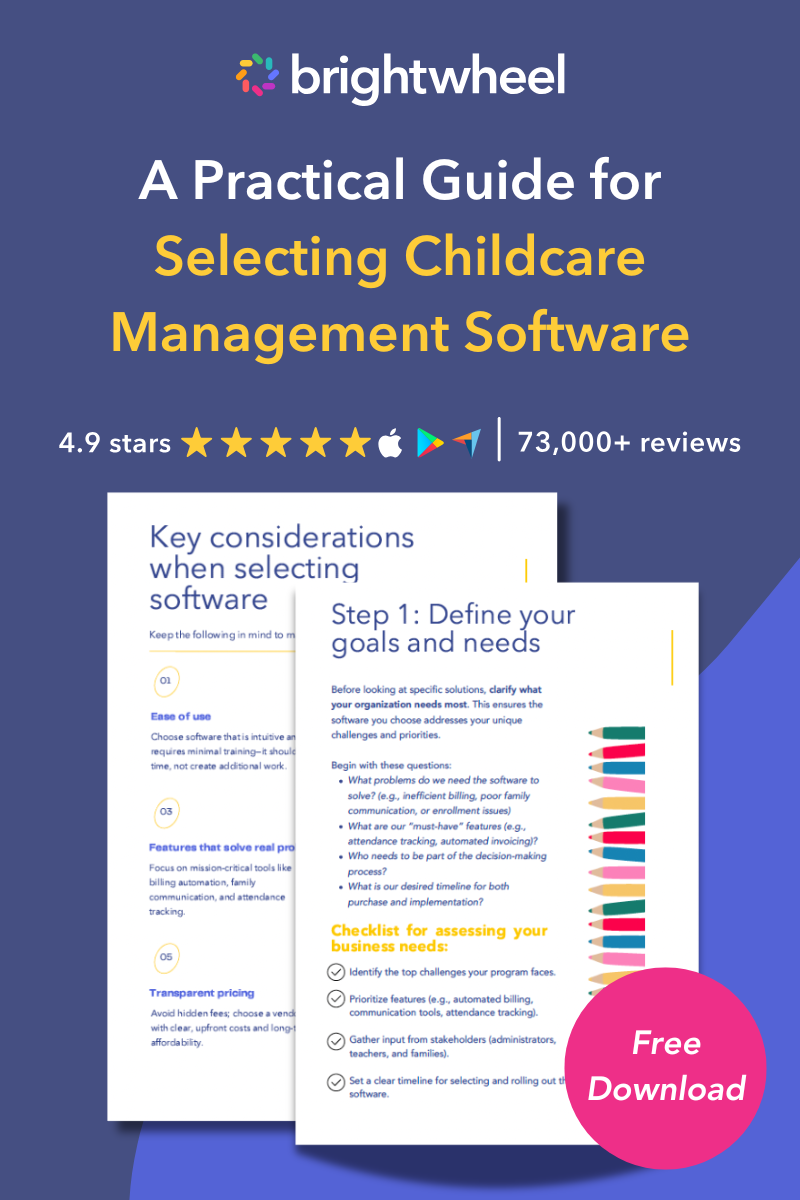
Free Guide for Selecting Childcare Management Software
Download a free guide to simplify your decision-making process and help you choose the best childcare software for your program.
Key evaluation criteria
To provide a helpful comparison, each software was reviewed using a consistent set of criteria important to childcare providers. The methodology focused on four core areas:
- Core features and functionality: Breadth and depth of features were addressed, including parent communication, billing and payments, attendance tracking, and classroom management tools.
- Ease of use: Effective tools must be intuitive for staff and administrators. User interface, onboarding, and general usability were evaluated.
- Value and pricing: Pricing structures, scalability, and return on investment were examined to identify solutions that deliver quality features at competitive price points.
- Customer support and reviews: User feedback from reputable review sites and the quality and availability of customer support were considered.
Top preschool software solutions for 2025
Choosing the right preschool software solution can transform your day-to-day operations, enhancing productivity, and giving you more time to focus on nurturing the children in your care.
Highlighted below is a summary of the top platforms for 2025. This list is designed to give you a starting point for your own research.
Brightwheel
Brightwheel stands out as an all-in-one childcare management platform trusted by millions of educators and families. The software combines robust billing, communication, and curriculum tools in a single, user-friendly interface. Its mobile app receives consistently high ratings from both administrators and families.
Key features include automated billing, real-time messaging, admissions tools, digital check-in/out, and Experience Curriculum, a curriculum system with digital lesson plans and learning materials delivered monthly. Brigthwheel also has the largest support team in the industry and offers robust security features to protect sensitive family information.
 We chose brightwheel when we were evaluating different tools, because it integrates billing, admissions, and a great visual experience for families." Brandyn B., Co-Founder of Magnolia Forest Preschool in Puget Sound, WA
Procare Solutions
Procare Solutions has been supporting the childcare industry for over three decades, with a comprehensive platform designed for single or multi-site providers. Its feature set aims to unify administration, classroom management, and family engagement. Its billing module is designed to manage complex fee structures and multiple payment methods.
Features include reporting tools, parent portals, staff scheduling, compliance tools, and hardware kiosk support.
Lillio (formerly HiMama)
Lillio focuses on an educator-driven approach, with an emphasis on both child development and classroom activities. Integrated tools link parent communication with center management.
The software includes automated billing, digital portfolios, messaging, attendance tracking, and customizable daily reports.
Playground
Playground offers a streamlined, modern platform built to consolidate various administrative functions. Its focus is on increasing efficiency and automating processes like billing, payroll, and enrollment.
Features include real-time updates, photo sharing, billing automation, and staff management tools. The mobile app gives parents access to their child's daily activities and developmental progress.
Famly
Famly brings international experience to the U.S. market, having successfully served childcare programs across multiple countries. The platform emphasizes learning documentation and family engagement.
Key capabilities include observation recording, learning journey creation, billing management, and staff communication tools.
LineLeader by ChildcareCRM
LineLeader unifies the childcare experience from inquiry through enrollment and management. The platform brings together customer relationship management (CRM), family engagement, and center operations.
Features include lead management, enrollment tracking, billing automation, and family communication tools.
ChildPilot
ChildPilot is designed to improve operational efficiency by automating tasks and streamlining workflows. The software reduces administrative work while supporting effective family communication.
Its key features include billing automation, digital check-in/out, communication tools, and reporting capabilities.
Daily Connect
Daily Connect emphasizes communication between teachers and families through detailed daily reports and photo sharing. The platform makes it easy for busy teachers to document and share children's experiences throughout the day.
The software includes attendance tracking, billing management, and administrative reporting.
Key considerations for choosing your software
Define your needs
Start by identifying your program's specific challenges and goals. Consider your current pain points: Are you spending too much time on billing? Do families complain about communication gaps? Is staff scheduling creating headaches?
Document your must-have features versus nice-to-have capabilities. Consider your program size, number of locations, and growth plans. This assessment will help narrow your options to software that addresses your most pressing needs.
Ask about support and onboarding
Implementation success depends heavily on adequate support and training. Ask potential vendors about their onboarding process, training resources, and ongoing support options. Quality software companies provide dedicated support during implementation and responsive assistance afterward.
Consider the learning curve for your staff and the time required for full implementation. Some platforms offer migration assistance to help transfer existing data from your current system.
Read reviews
Research user experiences through online reviews, industry forums, and peer recommendations. Pay attention to feedback from programs similar to yours in size and structure. Look for patterns in both positive and negative reviews.
Contact references provided by software vendors, but also seek out unbiased opinions from current users. Their insights can reveal strengths and weaknesses not apparent during sales demonstrations.
Evaluate and compare solutions
Create a comparison framework that weighs features against your specific needs. Consider total cost of ownership, including setup fees, monthly subscriptions, and any additional charges for extra features or users.
Schedule demos
Request demonstrations from your top software contenders. Prepare specific scenarios and questions based on your daily operations. Ask vendors to show how their software handles your unique situations and workflows.
Include key staff members in demo sessions to gather their perspectives. The people who will use the software daily should feel comfortable with the interface and functionality.
Final thoughts
Choosing the right preschool software is a key step toward reducing administrative work, improving family satisfaction, and supporting your educational goals. The best platform depends on your program's needs, budget, and growth plans, so take time to evaluate options and involve key stakeholders. By adopting technology, your program can focus less on paperwork and more on nurturing children's development and building strong family relationships.